Nexter Extension

Disable Comments In WordPress

Stop unwanted discussions and block spam comments in WordPress with the Disable Comments feature in Nexter. Quickly turn off comments site-wide or only on selected post types — perfect for blogs, pages, or WooCommerce stores where feedback isn’t needed.

stylist icon

Disable comments globally or for specific post types.

stylist icon

Stop spam links and bot-generated discussions instantly.

stylist icon

Keep your site cleaner and easier to moderate.

credit-card 1

No Credit Card Required

credit-card 1

No Credit Card Required

Creative Image

Key Benefits of Disable Comments

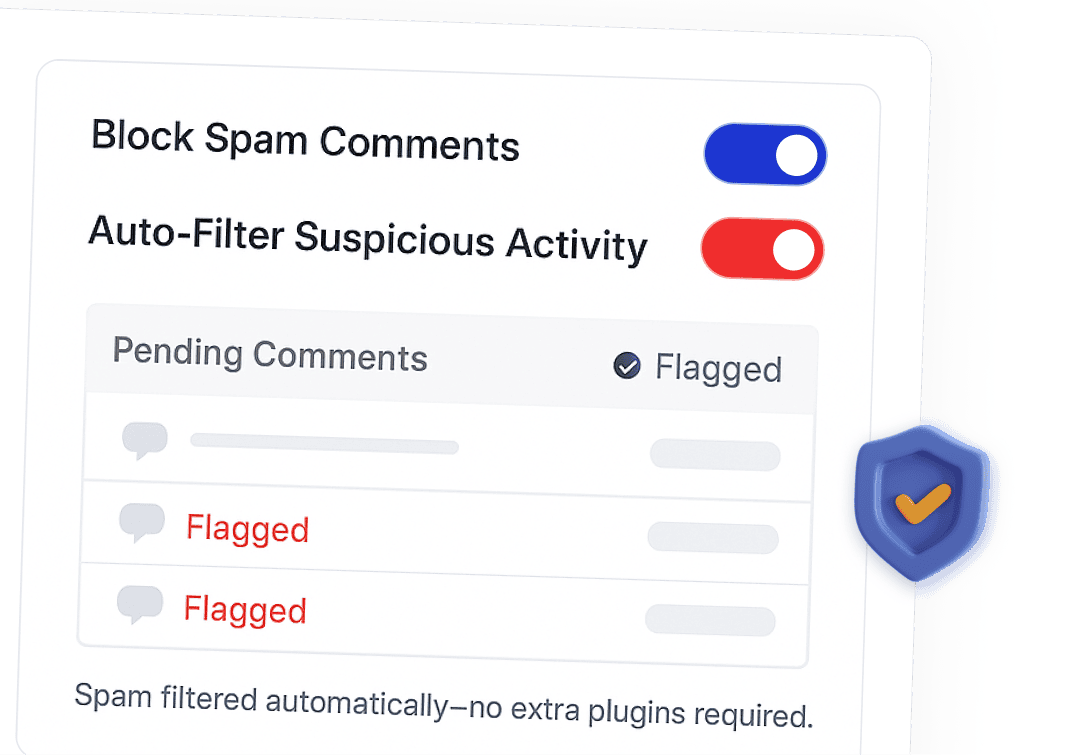
Spam Protection

Block comment spam without extra plugins.

spam protection

Faster Moderation

Reduce admin time spent on cleaning comments.
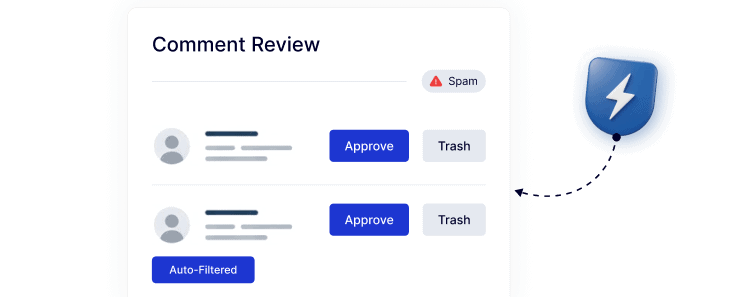
faster moderation

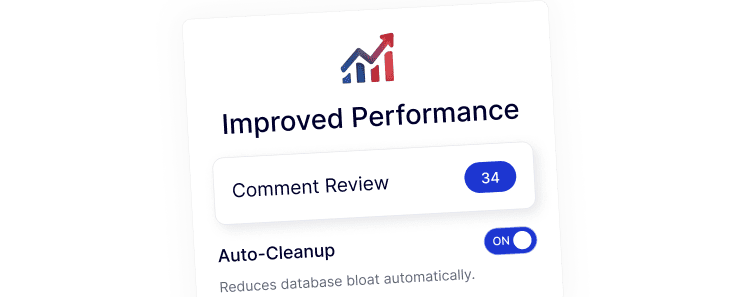
Improved Performance

Fewer unnecessary database entries.

improved performance

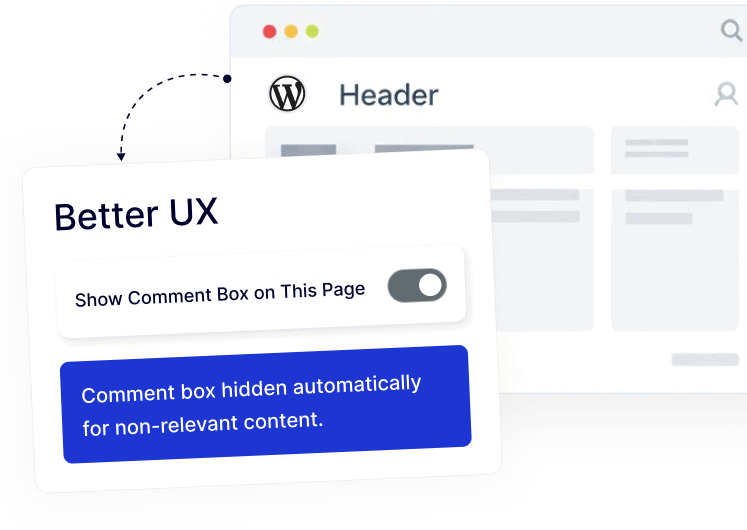
Better UX

Remove comment boxes where they don’t make sense.

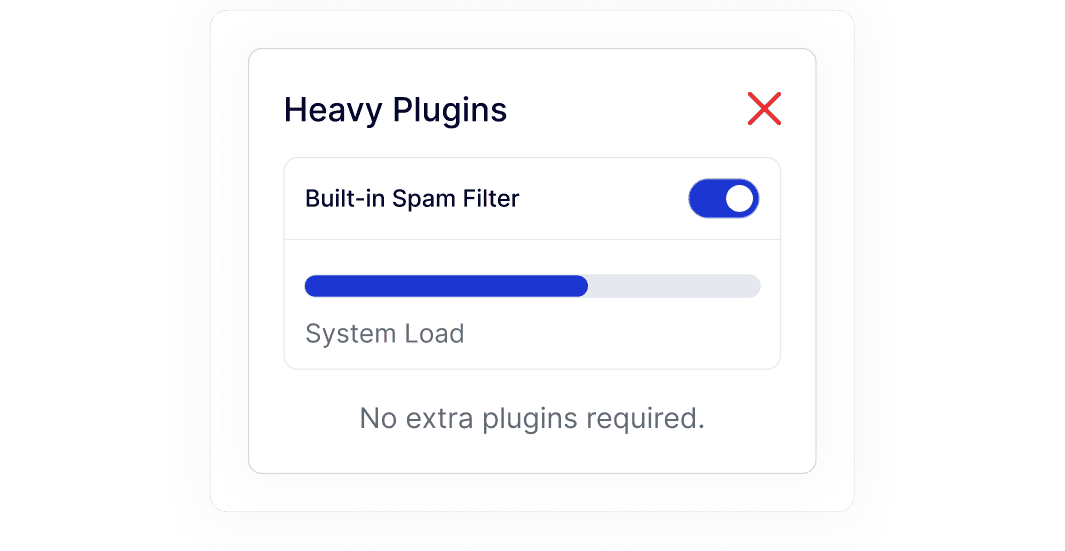
Lightweight Solution

Replace heavy anti-spam plugins.

lightweight solution

Frequently Asked Questions

Yes. Nexter Extension includes a Disable Comments feature, so you don’t need a separate plugin just to turn comments off.
Yes. You can disable comments globally or choose specific post types like pages, posts, or WooCommerce products.
Yes. When comments are disabled, spam bots and automated comment submissions are blocked completely.
No. Your existing posts and pages remain unchanged. Comments are simply hidden or disabled based on your settings.
Yes. Many stores don’t need product comments. Disabling them keeps product pages clean and easier to manage.
Yes. Agencies save time by controlling comments from one place instead of configuring multiple plugins per site.

More Extensions from Nexter

1000+ Pre-Designed Websites
Templates & Sections

View 1000+ WordPress Templates & Sections